Quick Answer:
If a smart shutoff is locked closed or showing error codes after freezing weather, first check for visible freeze damage and warm the area gently (no open flame). Try clearing lockout codes and a manual override per the manufacturer. If the valve or actuator is cracked, leaking, or mechanically stuck, isolate water and replace the unit. Add insulation or approved heat if allowed to prevent recurrence.
Why This Happens
Cold weather can affect smart shutoffs in two main ways:
- Physical freeze damage: water in the valve body, actuator or nearby fittings can freeze and crack pipes, deform seats, or jam the actuator so it cannot move.
- Freeze-protection lockout: some devices detect freezing conditions and automatically lock closed or display an error to prevent damage. These features can stay engaged until the device senses normal operating temperature or the code is cleared.
If your system logs or app show an error, check manufacturer guidance. For related false alarms and triggers, see Smart shutoff triggered falsely for more troubleshooting steps before replacing hardware.
Step-by-Step What to Do
1. Inspect for visible freeze damage
- Look for hairline cracks, bulging pipe sections, frost, or active seepage around the valve, fittings and actuator.
- Check the actuator for ice buildup or a visibly stuck stem. If you see water leaks, treat the area as damaged and avoid using the device until isolated.
2. Warm the area gently (do not use open flame)
- Use a hair dryer, shop heater placed at a safe distance, warm towels, or room heat to slowly raise the temperature around the valve and fittings.
- Keep heat away from electronics and sensors; move portable heaters back once the area begins to warm.
3. Clear freeze-lockout codes
- Power-cycle the device if recommended: turn off power, wait 30–60 seconds, then restore power.
- Use the vendor app or local control interface to acknowledge or clear any freeze/lockout codes per the manual.
4. Attempt a manual override
- Follow the manufacturer’s manual for the proper manual release procedure. Many units have a mechanical override or removable actuator cap.
- If the actuator won’t move but shows no visible damage, warming first can free it. If manual steps fail, consider the possibility that the override is damaged — see Manual override won’t work for additional guidance.
5. If damaged, isolate and replace
- If you find cracks, active leaks, or a seized actuator that won’t free, shut off water upstream (if possible), turn off device power, and drain downstream fixtures to reduce pressure and leakage.
- Do not try to repair a cracked valve in place unless you are qualified. Replace the damaged unit or contact a plumber or the manufacturer for replacement instructions and warranty claims.
6. Add insulation or approved heat if allowed
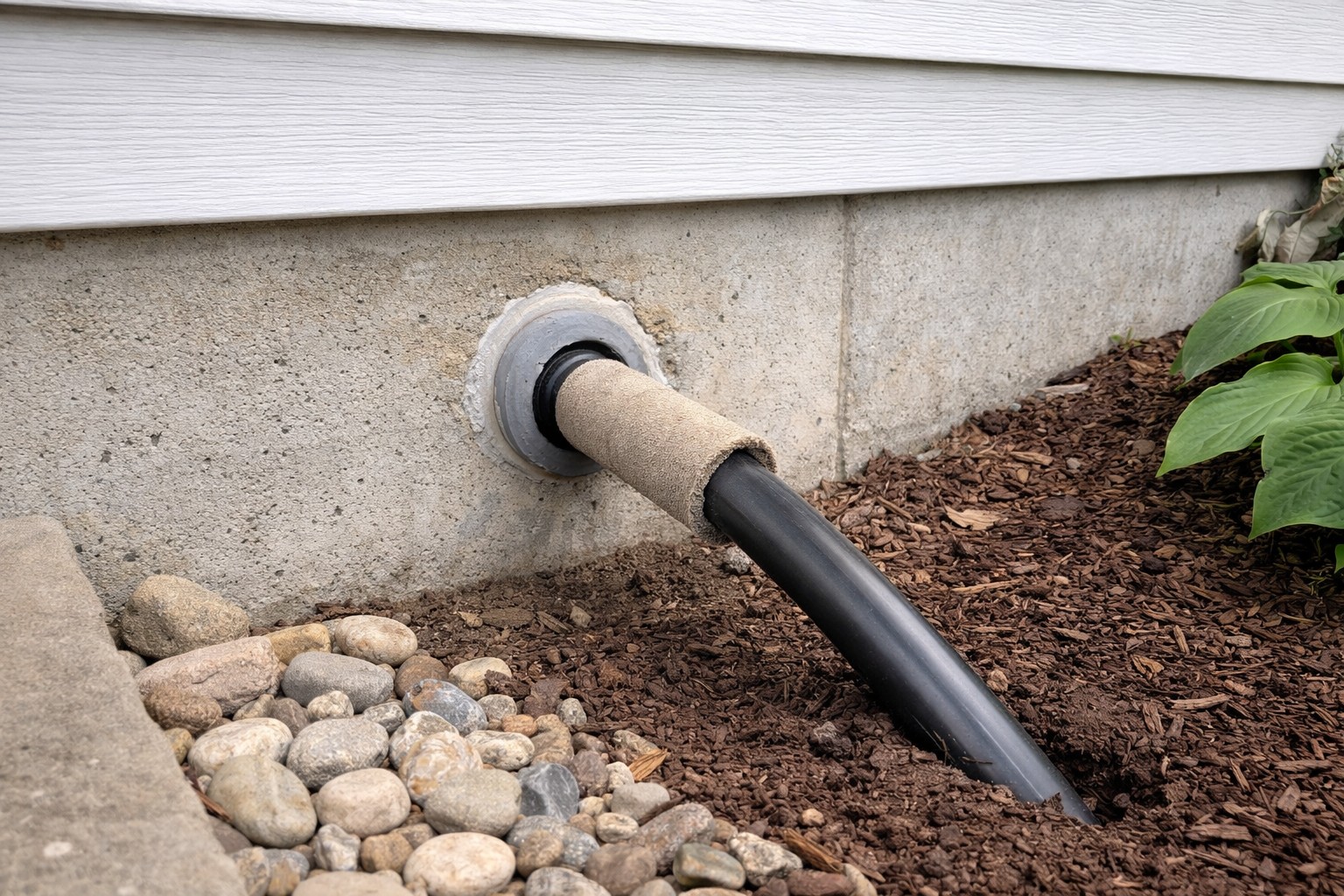
- After repair or replacement, insulate the valve and nearby pipes with foam insulation or install a thermostatically controlled heater approved for plumbing use.
- Follow manufacturer guidance before applying heat tape or powered solutions; some warranties or local codes restrict what can be added.
What Not to Do
- Don’t thaw with an open flame — this risks burning insulation, damaging electronics, and creating hot spots that can crack metal or plastic parts. Warm gently instead.
- Don’t spray water to melt ice; water can contact electronics and make electrical faults or corrosion worse.
- Don’t force the actuator with excessive leverage; this can break the mechanism and create a leak. If the manual override fails, stop and call for help.
When to Call a Professional
- There is visible cracking or active leakage around the valve or adjacent pipes.
- You are unsure how to isolate the water supply safely, or the shutoff is on a main line you can’t control.
- Electronic errors persist after warming and clearing codes, or the device is under warranty and may need replacement.
Safety Notes
- Turn off power to the device before working close to electronics when possible.
- Avoid mixing electricity and water. If the area is wet, do not plug in heaters or hair dryers until you are certain the power is safe.
- Document damage with photos for warranty and insurance. Keep the manufacturer’s manual and contact info handy.
Common Homeowner Questions
- Why did the valve lock closed after freezing? The device either entered a freeze-protection lockout or ice physically jammed the actuator or valve components.
- Can I force the valve open if it’s stuck? No — forcing it risks breaking the actuator or creating a leak. Warm gently and follow manual override procedures; stop if it won’t move.
- Will warming the unit void the warranty? Usually gentle warming does not void warranty, but using unapproved heat devices or open flames can. Check the manufacturer’s terms.
For more related articles, see the Smart Water Shutoff System Failures hub.