Quick Answer:
If your water heater starts popping, rumbling, or the downstream hot fixtures begin to clog after a debris event, stop using the heater immediately and check for sediment buildup. Turn off the heater’s power (electric breaker or gas pilot), shut the cold-water inlet if you can, open a nearby hot tap to relieve pressure, then drain a few gallons from the heater into a clear bucket to see whether sand or grit is present. If you see heavy sediment, perform a full tank flush and clean inlet screens. Consider installing a sediment filter upstream to prevent repeat contamination.
Why This Happens
A sudden debris event — a main line repair, a backflow, or an upstream pipe failure — can send sand, grit, and other particles into your home water. Those particles travel with the cold feed into the heater where they settle on the tank bottom and around heating elements. Sediment traps heat, causes popping and rumbling sounds, reduces heating efficiency, and can break down parts faster. If debris continues to enter the system, hot outlets will clog and performance will drop.
Step-by-Step What to Do
1. Shut things down safely
- Turn off electric power at the breaker or set the gas heater to pilot/off before working on the tank.
- Shut the cold-water inlet to the heater if possible to stop more debris from entering.
- Open a nearby hot faucet to relieve pressure and prevent vacuum lock while draining.
2. Drain a test sample into a clear bucket
- Attach a garden hose to the drain valve or briefly open the valve over a clear bucket and drain a few gallons.
- Look at the water for sand, grit, or discolored particles. This quick check shows whether the tank bottom has collected debris.
3. Decide if you need a tank flush
- If you see only small amounts of grit, you may be able to repeat a few short drains until the water runs clear.
- If you see heavy sediment or the draining water stays gritty, perform a full tank flush: shut off inlet, open drain, and run cold supply briefly to agitate and flush until clear. Repeat as needed.
4. Clean inlet screens and valves
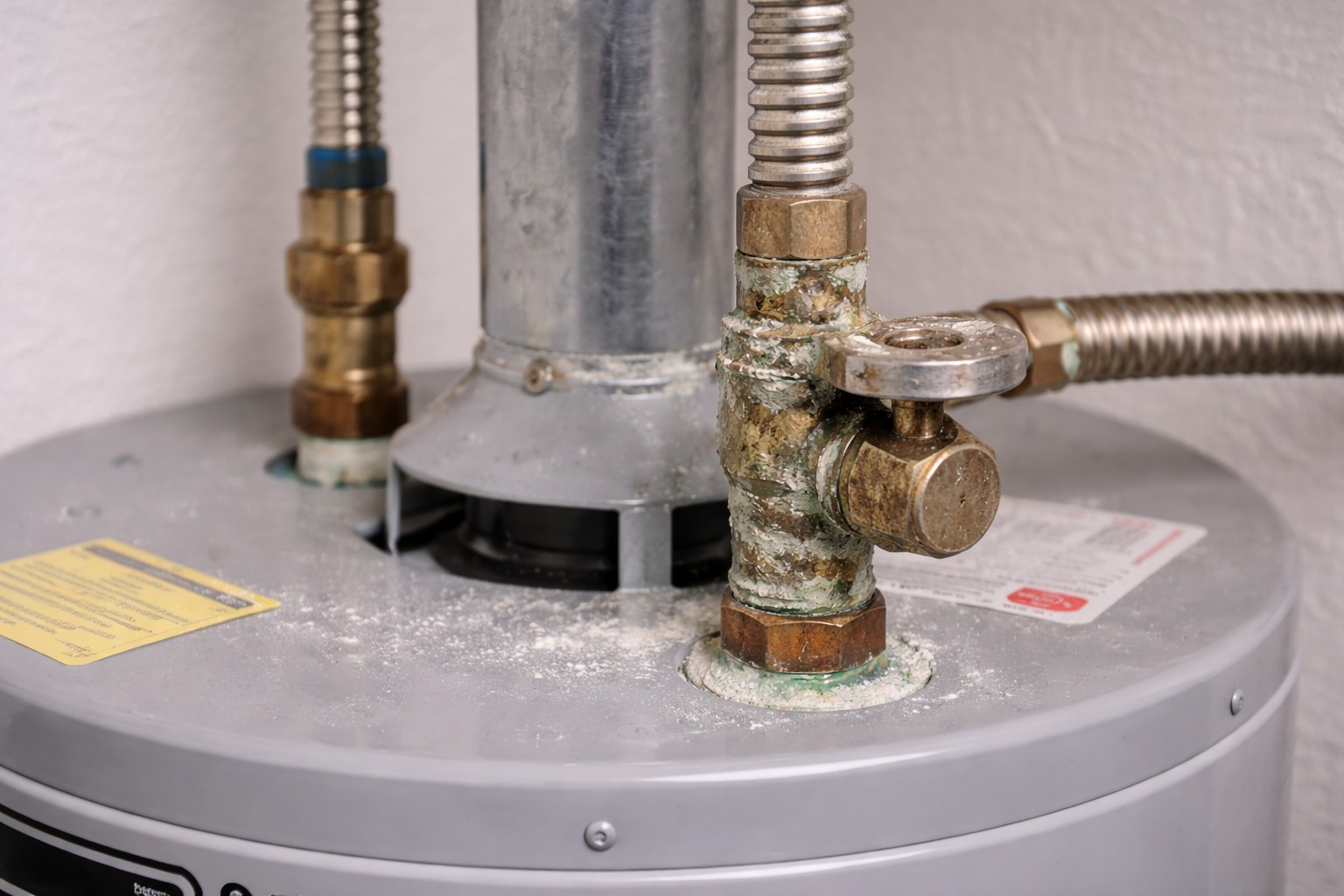
- Check the cold-water shutoff valve and any strainers/screens on the inlet. Shut the inlet off, relieve pressure, remove and rinse screens of trapped debris.
- If your heater has any inlet filters or check-valve strainers, clean them so new debris won’t be trapped at the entry point.
5. Check downstream fixtures and aerators
- Remove and rinse faucet aerators and showerheads to clear trapped grit that is causing clogging.
- Run hot water briefly after flushing to make sure debris is cleared from the lines.
6. Consider prevention
- Install a whole-house sediment pre-filter or a dedicated upstream filter ahead of the heater to catch sand and grit before it reaches the tank.
- After a confirmed debris event, recheck the heater and inlet screens in a few days to ensure no further buildup.
If you have sensors or shutoffs that have been tripping unexpectedly after debris events, the issue may be related — see Sediment causing smart shutoff trips. If the problem followed a municipal repair or main work, also read guidance about Sand in water after city repair.
What Not to Do
- Don’t ignore popping, rumbling, or frequent clogging — those are signs sediment is damaging the tank and components.
- Don’t continue to run the heater hard when you know sediment is present; sediment shortens heater life quickly and can lead to element failure or leaks.
- Don’t remove gas controls, electrical components, or the anode rod unless you are confident and knowledgeable — those actions can be unsafe or require specialist tools.
When to Call a Professional
- If the tank contains heavy sediment after attempts to flush it, or if the heater won’t drain properly.
- If you find corrosion, leaks, or damaged heating elements during inspection.
- If you have a gas heater and smell gas, or you’re not comfortable shutting off gas or electricity safely.
- If clogging persists in downstream fixtures after cleaning aerators and flushing the tank.
Safety Notes
- Always turn off electric power at the breaker or set the gas control to pilot/off before draining or opening the heater.
- Let the water cool before working on the tank to avoid scalding. Wear gloves and eye protection when handling dirty water.
- Relieve system pressure by opening a hot faucet before opening the drain valve. Keep electrical devices away from spilled water.
- Dispose of dirty drain water where it won’t stain or damage surfaces; avoid pouring hot, sediment-laden water into planted areas without cooling it first.
Common Homeowner Questions
- How much should I drain to check for sediment?
Drain a few gallons into a clear bucket first; that sample shows whether grit is present. - Will flushing remove all the sand?
A proper full flush can remove heavy sediment, but repeat flushes or professional service may be needed for very dirty tanks. - Can debris ruin my heater?
Yes — sediment causes noise, clogs, reduced efficiency, and speeds component failure, so address it promptly.