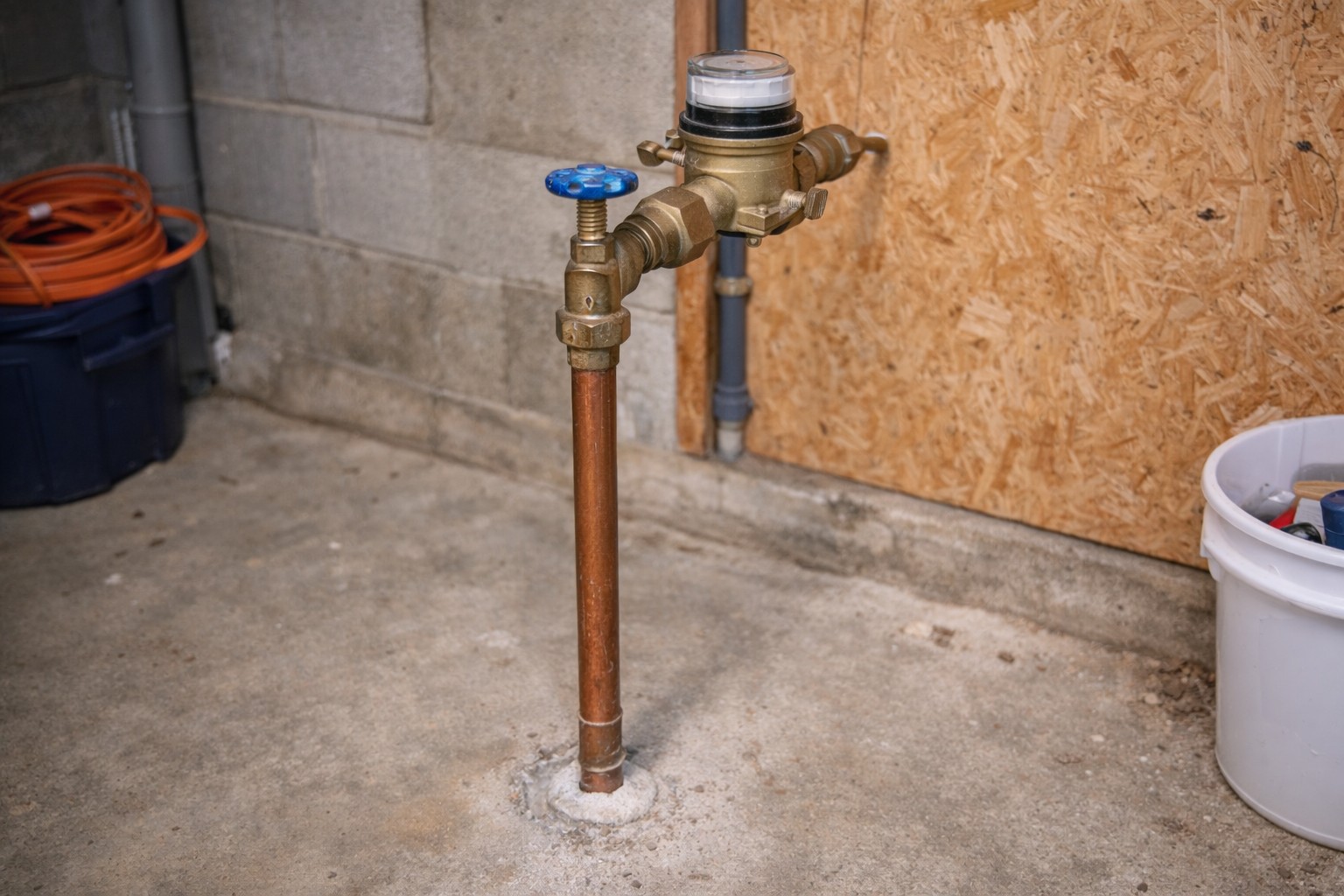
Quick Answer:
If neighbors have water but your home does not, the shutoff at your meter may still be closed or latched in alarm. First confirm the street supply is back by checking with nearby homes. Then check the smart valve’s status lights and try opening it locally. If clearing alarms and a simple reboot/reinitialize doesn’t let it open, follow the manufacturer’s factory-reset and re-commission steps or call a pro.
Why This Happens
- Smart shutoff devices can auto-close when they detect a pressure event, leak, or electrical problem. That closure can stay latched until the unit is reset or reinitialized.
- Power or battery issues can make a valve appear closed or stay in alarm even after water service is restored — see Battery failure in smart shutoff for more on battery-related symptoms.
- Some units trigger falsely during outages or surges; if the device thinks there was a leak it may remain shut until cleared — see Smart shutoff triggered falsely.
Step-by-Step What to Do
1. Confirm the street supply (neighbor check)
- Ask one or two neighbors if their water is on. If they have service, the problem is local to your meter or valve.
- If neighbors are unavailable, check visible outdoor sources like a nearby spigot or community hydrant if safe to access.
2. Confirm valve status lights show closed or alarm
- Locate the smart valve at the meter. Read the indicator lights and any small display. Most units show a clear “closed” or “alarm” pattern.
- Take a photo of the lights or note the pattern before doing anything, so you can describe it if you need help.
3. Attempt a local open
- Use the physical control on the device (manual lever or built-in button) first, following the manufacturer instructions. Many units allow a manual open override.
- If the device has a local menu or app, try the “open valve” command from the app while you are next to the unit.
- Listen for the motor and watch the indicator lights; sometimes the unit will unlatch but take a few seconds to show the new status.
4. Clear alarms and reinitialize
- If the valve shows an alarm, use the device’s alarm-clear or reset function as directed by the manual. This often requires a specific button press or an app command.
- Try a simple power-cycle if clearing the alarm doesn’t work: remove power (or disconnect battery briefly), wait 10–30 seconds, then restore power so the device can reinitialize.
- After reinitialization, reattempt the local open command and re-check the status lights.
5. If it stays latched: factory reset and re-commission
- If the valve remains closed or latched after the above steps, a factory reset may be necessary. Follow the manufacturer’s factory-reset procedure exactly; this typically erases settings and network pairing.
- After reset, re-commission the device: restore any app pairing, run through any calibration or flow tests the manufacturer recommends, and confirm the valve opens when commanded.
- Keep in mind re-commissioning often requires access to the device app and account credentials and may take several minutes to complete.
What Not to Do
- Don’t call the city first if the valve is clearly closed or latched — confirm the valve state locally before involving the utility.
- Don’t force or pry the valve mechanism with tools. Forcing a smart valve can damage the unit and the meter connection.
- Don’t attempt wiring modifications or internal repairs unless you are qualified. Electrical or battery work on the device can be hazardous and may void warranties.
When to Call a Professional
- Call a licensed plumber if the valve will not open after reset and re-commissioning, or if you suspect physical damage to the meter or piping.
- Contact the device installer or the manufacturer’s support if the smart valve remains in alarm or will not re-pair after a factory reset.
- Bring a professional if you are unsure whether the problem is the water line, the meter, or the smart valve electronics — a pro can isolate the issue safely.
Safety Notes
- Always follow the device manufacturer’s instructions. Device controls and reset procedures vary by model.
- If you must remove access panels or batteries, turn off any nearby power and avoid contact with wiring unless you are qualified.
- If you smell gas or see damaged piping, stop and call a professional immediately. Do not attempt to operate valves in unsafe situations.
Common Homeowner Questions
- Why did the valve close when water was restored?
It likely closed in response to a detected event (pressure change, leak, or power issue) and remained latched until cleared or reset. - Will a factory reset fix it?
A factory reset can clear errors and allow re-commissioning, but underlying hardware faults may still require repair or replacement. - Can I re-commission the valve myself?
Yes if you have the device app and follow the manual; otherwise hire the installer or a plumber for safe re-commissioning.