Quick Answer:
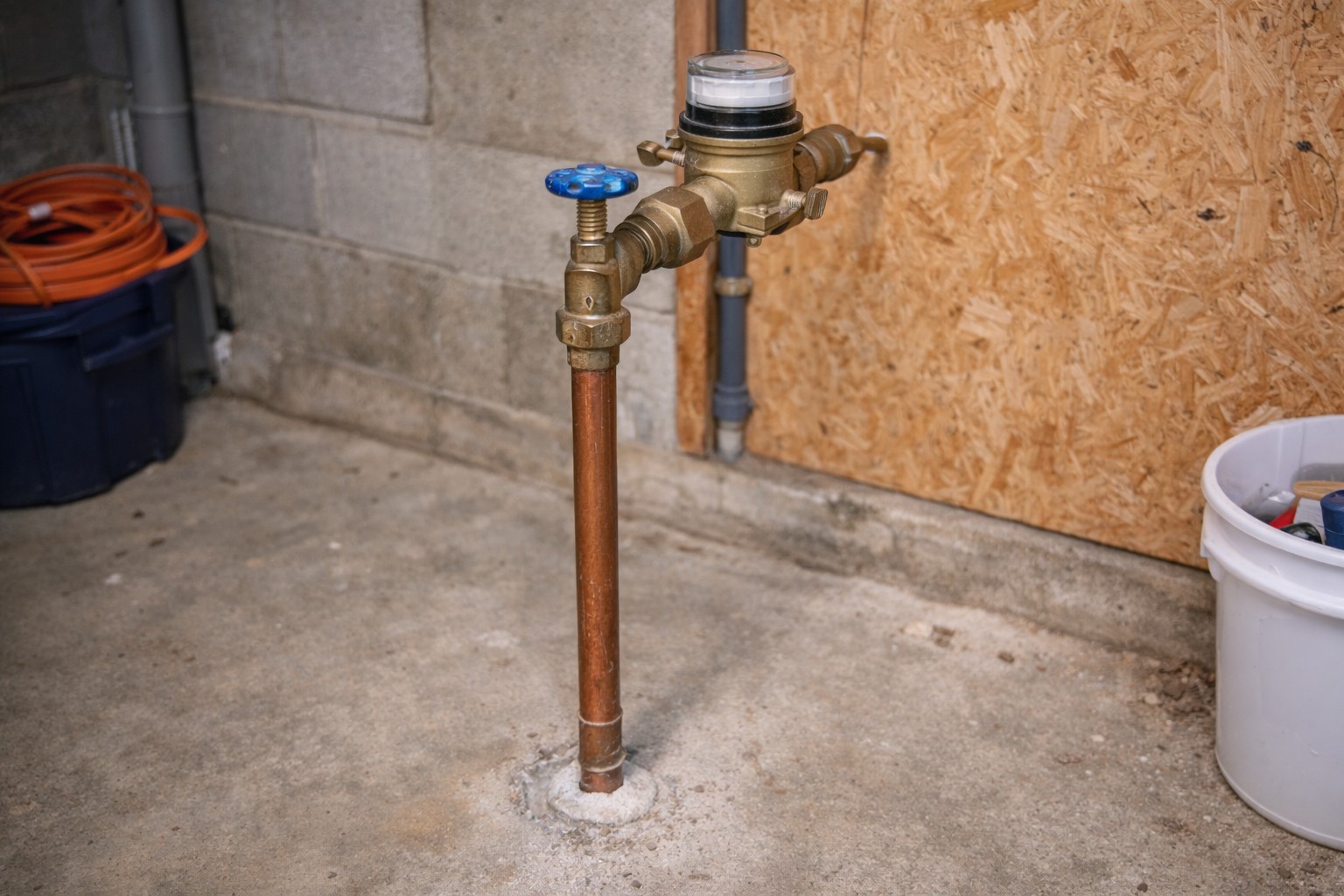
If your whole house pressure is lower immediately after installing a smart shutoff—even when the valve reads “open”—you likely have a flow restriction. Common causes are the valve installed the wrong way, a valve that isn’t full‑port, trapped grit or a small built‑in screen, or a valve that isn’t fully opening. Do a few quick checks (direction, screens, hose‑bib flow) and flush the upstream line. If the restriction remains the valve may be undersized or faulty and should be serviced or replaced.
Why This Happens
Smart shutoff valves control flow with an internal passageway and a driven mechanism. Some models have smaller openings than a full‑port ball valve, internal screens, or orientation requirements (an arrow showing flow direction). During installation grit or pipe debris can lodge at the valve seat or screen and reduce flow. If the actuator doesn’t reach the fully open position the valve will also restrict flow.
Step-by-Step What to Do
1. Confirm valve orientation and visible markings
- Look for an arrow on the valve body that shows flow direction. The arrow should point from supply into the house. If it’s backwards the internal port or screen may be oriented incorrectly.
- Check the installer’s instructions for the valve type. Some smart shutoffs require a specific orientation to seat the internal components correctly.
2. Verify the valve is full‑port or appropriately sized
- Compare the new valve’s body size and published flow spec (on the packaging or label) with the old shutoff or the supply pipe. A valve with a smaller internal orifice will reduce flow even when “open.”
- If you’re unsure whether it’s full‑port, assume it may be a restriction and proceed with the tests below.
3. Flush the upstream line to remove grit
- Open an upstream isolation (if present) or remove a hose or faucet downstream temporarily to run a strong flush through the valve and clear debris. If you’re uncomfortable doing this, skip to the professional step.
- Run water for several minutes while watching a downstream hose bib or faucet to see if flow increases as grit clears.
4. Check for a built‑in screen or debris trap
- Many smart shutoffs include a small inlet screen or filter. Consult the manual for its location and whether it’s removable and cleanable.
- If the screen is clogged, clean it per manufacturer instructions with the water off and pressure relieved.
5. Compare flow at a hose bib before and after
- Open an outdoor hose bib fully and note flow. If you measured or remember the pre‑installation flow, compare the two conditions. If you didn’t, compare the hose bib flow to the kitchen sink flow to estimate whether the whole house is affected.
- If hose bib flow is much lower than expected even after flushing, the restriction is inside or immediately upstream of the new valve.
6. If restriction persists, service or replace the valve
- If orientation and flushing don’t fix the issue and you still see reduced flow, the valve may be undersized, have an internal defect, or the actuator may not be allowing full travel.
- Contact the installer or manufacturer for service. If necessary, replace the unit with a full‑port model sized to your supply pipe.
What Not to Do
- Don’t accept low pressure as normal—restriction can damage appliances and is fixable.
- Don’t try to remove or force the valve while the system is pressurized. Always shut off water and relieve pressure before disassembly.
- Don’t use excessive heat or improvised tools on connections if you’re not trained; leave soldering or cutting to a pro.
When to Call a Professional
- If you can’t safely access or clear a trapped screen or debris.
- If the valve appears to be oriented correctly and cleaned but the flow remains restricted—this could mean the valve is undersized or defective and needs replacement or adjustment by a trained tech.
- If the smart actuator won’t open fully or shows faults, or you see simultaneous electrical or connectivity issues—see Smart valve buzzing noise and Wi-Fi disconnect causing water loss for related troubleshooting areas to mention to the technician.
Safety Notes
- Shut off water and relieve system pressure before removing caps, screens, or making plumbing connections.
- If the smart shutoff has electrical power, turn power off before touching wiring. Do not attempt electrical repairs if you are not comfortable and qualified.
- Avoid forcing fittings or using power tools on pressurized plumbing. Call a professional for soldering, cutting, or major changes to the pipe layout.
Common Homeowner Questions
- Why did pressure drop immediately after installation?
Most often a small internal port, wrong orientation, or trapped grit caused a restriction right after installation. - Can I fix this without shutting off the main?
You can do basic checks like observing flow at a hose bib, but cleaning screens or reorienting the valve requires shutting off water and relieving pressure. - Will a restricted valve hurt my appliances?
Yes — long‑term restriction can strain pumps, water heaters, and other appliances, so address it promptly.