Quick Answer:
After a city water outage you should first flush nearby faucets to clear grit, then open the toilet tank and remove the fill valve inlet screen to rinse away sediment. Cleaning the screen usually restores normal refill speed; if slow refill remains, call a plumber.
Why This Happens
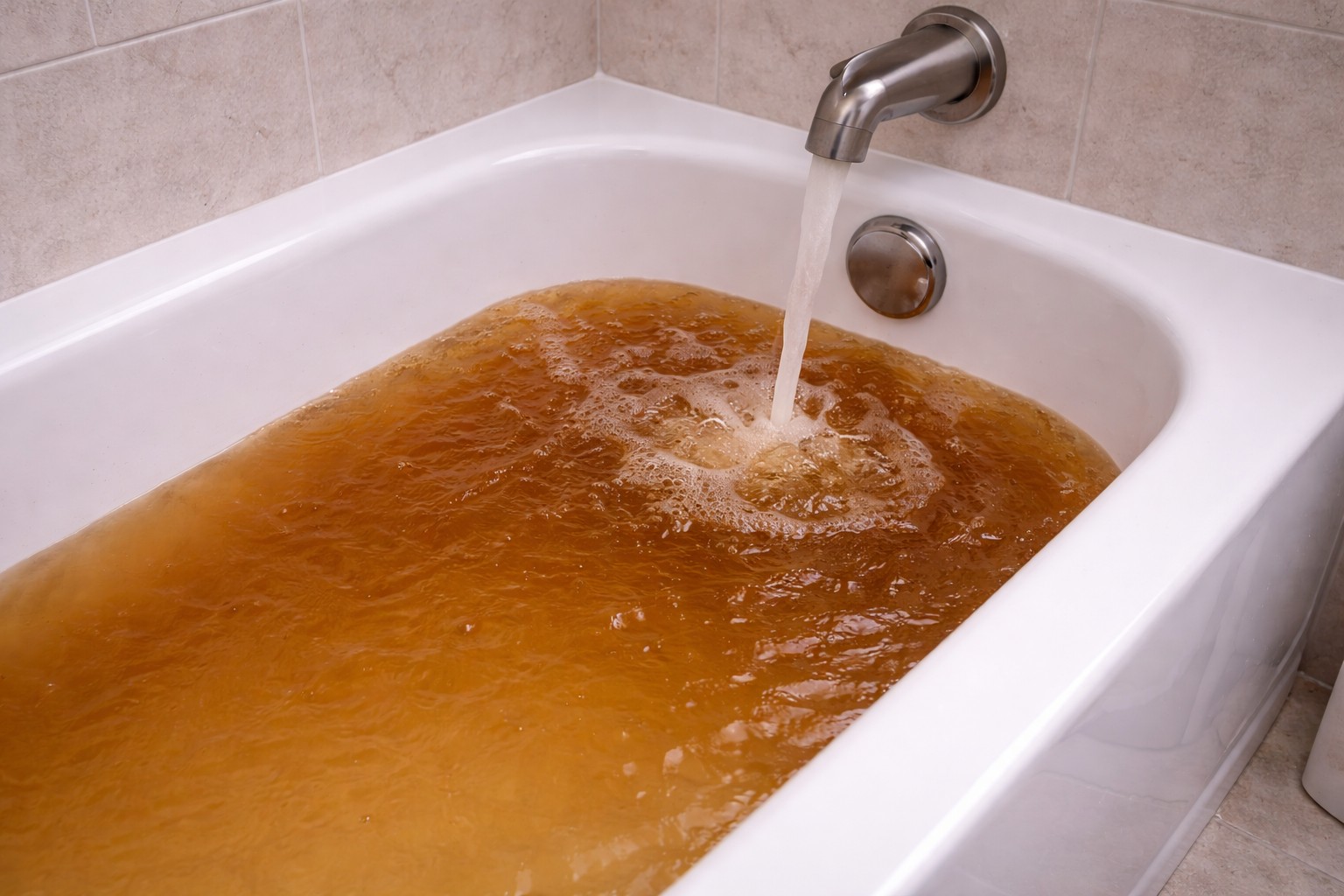
Water outages and main repairs disturb sediment and mineral deposits in the distribution lines. When service returns that grit can travel into home plumbing and lodge on small openings such as the tiny inlet screen at the base of the toilet fill valve. The screen is meant to protect the valve but it will slow flow if clogged. Pressure changes during restoration can also briefly reduce flow until the system stabilizes. If only one toilet is affected, the fill valve screen is the most likely cause; if several fixtures are slow, the issue is upstream in your supply.
For similar symptoms after winter work, see Slow refill after winterization. If the issue appears in just an upper-floor tank, also consider Tank refills slowly upstairs only.
Step-by-Step What to Do
1. Flush nearby faucets first
- Open an exterior hose bib or a sink faucet closest to the service entry and let it run for a minute or two. This helps push out loose sediment before you work on the toilet.
2. Turn off the toilet water supply and drain the tank
- Locate the shutoff valve behind the toilet and turn it clockwise to close. Flush the toilet to empty the tank.
- Use a sponge or towel to remove any remaining water so you can see inside the tank.
3. Inspect and remove the fill valve inlet screen
- Find the fill valve (usually on the left inside the tank). At its base, where the supply line connects, there is often a small plastic mesh or rubber seat that catches debris.
- If the screen is a removable insert, pull it out with pliers or your fingers. If it is built into the valve body, you may be able to pry it out carefully or flush it in place (see next step).
4. Clean the screen
- Rinse the screen under running water and brush gently with an old toothbrush to dislodge grit. If mineral deposits are present, soak briefly in a cup of white vinegar, then rinse.
- Wipe the valve seat and surrounding area to remove trapped sediment.
5. Reassemble and test slowly
- Put the cleaned screen back in place, reconnect any fittings, open the shutoff valve slowly, and watch the refill. Slow opening reduces the chance of sending more debris into the valve.
- Flush a few times to confirm normal refill speed. If the fill valve still flows poorly, repeating the clean or replacing the fill valve may be needed.
6. Check other fixtures if problems persist
- If sinks or other toilets are also slow, the problem is likely in the house supply or the street main—contact the water utility or a plumber.
What Not to Do
- Don’t keep cycling the toilet after an outage without cleaning screens—repeated flushing can push grit further into the valve and cause wear or damage.
- Don’t force or hammer plastic parts; avoid using sharp metal tools that can tear seals or screens.
- If refill stays slow after cleaning, don’t delay calling a professional—persistent slow flow can indicate a damaged valve or a larger supply problem.
When to Call a Professional
Call a licensed plumber if:
- Multiple fixtures are slow after you’ve flushed nearby faucets.
- Cleaning the inlet screen does not restore normal flow.
- You find cracked or broken parts in the tank, or you’re not comfortable removing the valve.
Safety Notes
- Turn off the toilet supply before working inside the tank to avoid accidental flooding.
- Remove and replace the tank lid carefully—ceramic lids are heavy and can chip or break.
- Wear gloves if you prefer and wash hands after handling tank components. Use vinegar for light scale cleaning; avoid harsh chemicals that can damage rubber parts.
Common Homeowner Questions
- Will sediment permanently damage my toilet? Usually not if cleaned promptly; long-term abrasion can wear seals and valves, but replacing the fill valve is a simple fix.
- Can I skip cleaning and just replace the valve? You can, but cleaning the screen first is cheaper and often restores normal operation.
- How long after an outage should I wait to use water? Flush nearby faucets as soon as service returns. If water looks cloudy or has particles, run taps until clear before using fixtures for drinking or cooking.