Quick Answer:
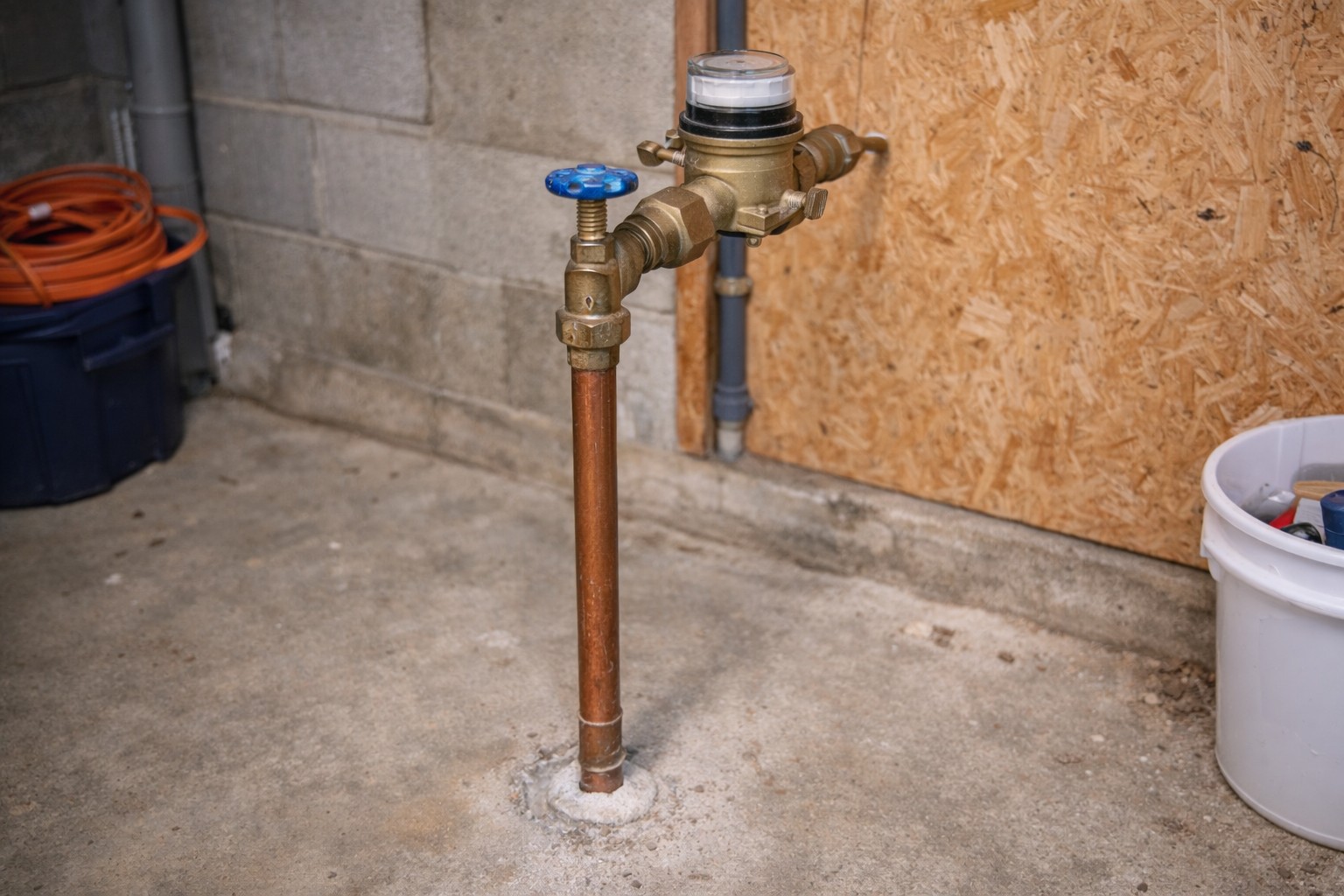
If water seems fine as a trickle but collapses when you run a shower or fill a tub, a smart shutoff is likely partially restricting flow. Before changing other plumbing components, verify the shutoff is fully open, compare flow with a simple hose-bib bucket test, check strainers/filters upstream, and confirm the valve is the correct size and oriented correctly. If you find debris or a wrong-sized device, flush and clean or replace as needed.
Why This Happens
- Many smart shutoff valves use internal diaphragms, solenoids, or screens that can become partially blocked by debris, scale, or improper installation.
- If the valve is not in the fully open position (or the actuator is stuck between open and closed), it will allow a small steady flow but collapse under higher demand.
- An incorrectly sized valve or one installed backwards can limit peak flow even when it appears open.
Step-by-Step What to Do
1. Verify the valve is truly fully open
- Check the valve’s manual indicator or handle position. Many smart valves show an “open” symbol or have a visible stem position.
- Use the control app or manual override to command “fully open” and watch the indicator. Don’t assume “on” equals fully open — some units can be partly open for safety or programming reasons.
2. Do a hose-bib bucket test to compare flow
- Place a 5‑gallon bucket under an outdoor spigot or a utility faucet and run the water fully for 30 seconds. Multiply to get gallons per minute (GPM).
- If possible, test a faucet upstream of the shutoff (such as a meter pit spigot or a supply before the device) and compare. If upstream flow is normal but downstream collapses under demand, the smart shutoff is likely the restriction.
- Record results so you can compare before and after any work.
3. Check upstream strainers and filters
- Many systems have inlet strainers or filters ahead of the smart valve. Locate and inspect or remove them per the manufacturer’s instructions.
- Clean any debris, sediment, or mineral buildup. Reinstall carefully and test flow again.
4. Confirm correct pipe size and orientation
- Check markings on the valve body for flow direction; some valves must be installed with the arrow pointing the same way as water flow.
- Confirm the valve’s rated pipe size matches your supply size. A valve meant for a smaller pipe will restrict flow on a larger demand fixture.
5. If flow is restricted, flush debris and verify sizing
- With the power to the smart device off and following the manual, open the valve fully and run water at high demand to attempt to flush loose debris downstream.
- If the device has a removable strainer or screen, shut off supply, relieve pressure, remove and rinse it, then reassemble.
- If cleaning doesn’t restore flow, the valve may be undersized or damaged and should be replaced with a correctly sized model.
What Not to Do
- Don’t assume the pressure regulator (PRV) is the problem and crank it up. Don’t compensate by cranking the PRV—confirm the smart valve isn’t restricting flow first.
- Don’t disassemble the smart shutoff unless you have the manual and are comfortable relieving pressure and handling electrical/battery components.
When to Call a Professional
- Flow tests show upstream supply is fine but downstream collapses and you can’t identify or clear the restriction.
- You find evidence of internal damage, persistent debris that won’t clear, or the valve appears to be installed backwards or incorrectly sized.
- If you see related problems like a persistent bypass leak — check for **Smart system bypass leaking** conditions before DIY fixes become risky.
Safety Notes
- Before opening or removing any part of the valve or strainer: shut off water, relieve pressure, and follow manufacturer instructions.
- If the unit has batteries, handle them per the manual. If you suspect **Battery failure in smart shutoff**, turn off the device and contact the manufacturer or a pro for safe battery replacement.
- Avoid using excessive force on fittings and electrical parts; improper handling can cause leaks or electrical hazards.
Common Homeowner Questions
- Can a smart shutoff be stuck partially closed? — Yes. Mechanical or electronic sticking and debris can hold it partially closed.
- How do I know if the shutoff or my PRV is the issue? — Do the bucket test and compare upstream vs downstream flow; that isolates the device from the PRV.
- Is it safe to clean the inlet screen myself? — Often yes if you follow the manual: shut off supply, relieve pressure, remove and rinse the screen, then reassemble.
FAQs
- Will resetting the smart shutoff fix low flow? Sometimes a reset or commanding “fully open” clears an electronic fault, but it won’t fix physical obstructions.
- How long does a flow test take? A reliable bucket test takes 30–60 seconds per faucet to get an accurate GPM estimate.
- Can scaling inside the valve reduce peak flow? Yes. Mineral scale and sediment can narrow internal passages and should be cleaned or the valve replaced if severe.
For more related articles, see the Smart Water Shutoff System Failures hub.